Lead Response Time: Why “Speed to Lead” Wins (and How to Automate It)
Lead Response Time: Why “Speed to Lead” Wins (and How to Automate It)
If your business relies on inbound leads, your first job is not persuasion. It is response speed.
When a prospect reaches out, they are in motion. They are comparing options, calling competitors, and making decisions fast. If you respond late, you are not “following up”, you are showing up after the decision.
This is what people mean by “speed to lead”, the time between a lead coming in and your first meaningful response.
What “Speed to Lead” actually means
Speed to lead is not “how quickly you call back eventually.”
It is:
Calls: Did someone answer immediately, or did it go to voicemail?
Forms: How long until the lead gets a real response, not an autoresponder?
Text and chat: How long until the conversation becomes useful?
Scheduling: How fast can the lead move from interest to a booked time?
The goal is simple: reduce friction and capture intent while it is hot.
The data is blunt: response delay kills contact and qualification
A well-known lead response study that analyzed web leads found huge drop-offs as response time increases:
The odds of contacting a lead drop over 10x in the first hour.
The odds of qualifying a lead drop over 6x in the first hour.
Calling within 5 minutes vs 30 minutes saw the odds of contacting drop 100x, and qualifying drop 21x. [1]
You do not need to love the exact multipliers to accept the takeaway: speed is not a nice-to-have, it is structural.
Why fast response wins in real life
Because your lead is not waiting politely.
Most inbound leads are doing one of these:
Price shopping: calling three places, picking the first competent response.
Urgency: “Can someone handle this today?”
Low patience: they will not fill out your form twice.
Cognitive offloading: they want a simple next step, like scheduling.
If you respond fast, you convert more because you are reducing uncertainty and making the next action easy.
If you respond slow, you force the lead to make a decision without you. They will.
What causes slow response in small and mid-sized businesses
This is not usually laziness. It is workflow physics.
Common bottlenecks:
Calls ring while the team is busy, then go to voicemail.
Forms go to an inbox nobody checks consistently.
Text messages get answered when someone remembers.
Leads are written down, then entered into the CRM later.
Follow-ups depend on a person’s discipline and attention span.
The result is predictable: inconsistent intake, missed context, and slow contact.
The practical targets that actually move the needle
You can argue about exact numbers, but a sane operating standard looks like this:
Inbound calls: answer immediately, always
Forms: first real response within 5 minutes
Text and web chat: under 60 seconds
Missed calls: automated follow-up begins instantly
If your current system cannot hit that without heroics, you need automation, not motivation.
How to automate “Speed to Lead” without turning into a spam machine
Automation done wrong feels robotic because it is generic.
Automation done right feels fast, helpful, and specific.
Here is the blueprint.
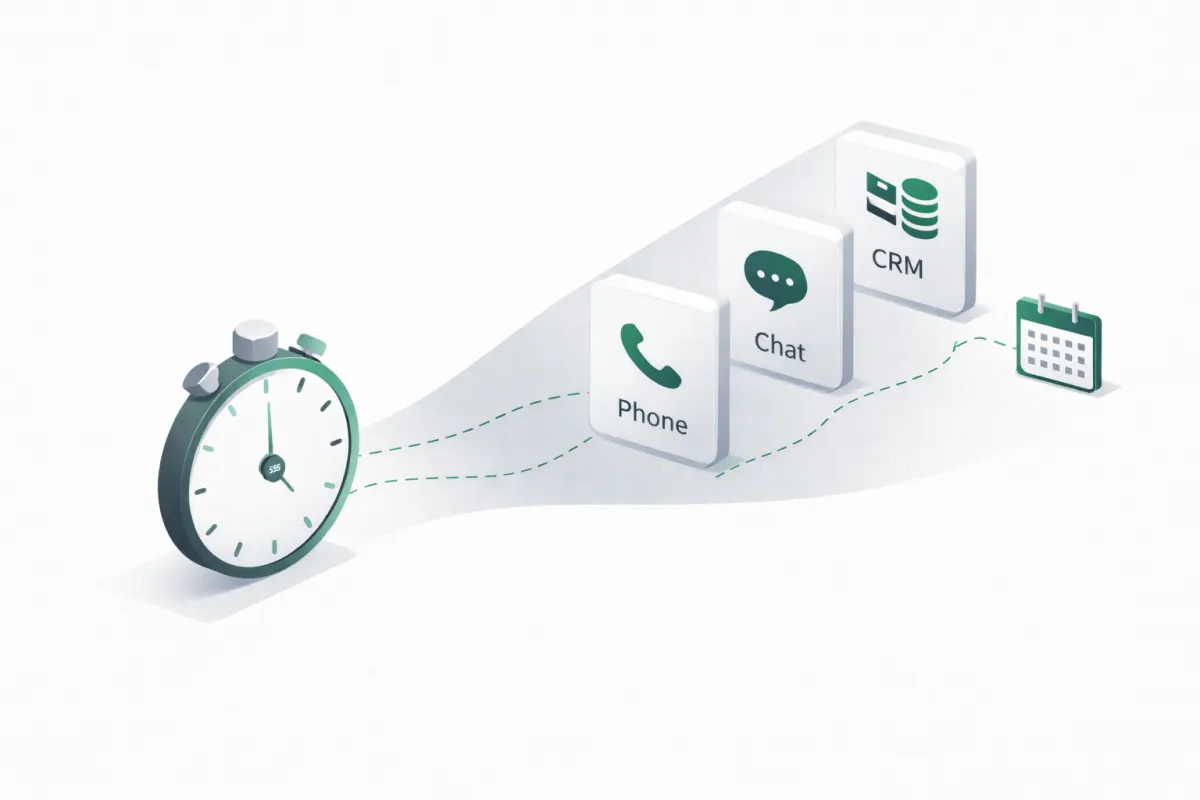
1) Capture the lead instantly, from every channel
Leads come from phone calls, SMS, web chat, contact forms, Facebook, Instagram, and email.
If those channels do not feed one system, you will have response gaps forever.
Fix: unify channels so every inbound interaction creates or updates a contact record automatically.
2) Respond immediately with the right first move
The first move should match the channel and the context:
Phone call: answer and handle the request
Form: text back, call back, or offer scheduling
Chat: start a short intake and route to next step
Missed call: text instantly with a “quick reply” path
Key rule: the first response should do something, not just acknowledge.
3) Ask only the minimum questions needed to route the lead
Most businesses lose leads by asking too much too soon.
Start with 2–4 questions max, for example:
What service do you need?
What is your timeline?
What is the best address or location?
Are you looking to book now, or get a quote first?
That is enough to route correctly, schedule appropriately, and prevent dead-end conversations.
4) Book the appointment or next step in the same interaction
If the lead has intent, do not send them away with “we will call you.”
Offer times and book it immediately, then confirm by text and email.
5) Log everything to the CRM automatically
This is where most “AI” setups fail. They answer, but they do not update systems cleanly.
Your system should automatically:
Create or update the contact
Tag the lead by intent and category
Write a summary of the conversation
Update pipeline stage
Trigger the correct workflow (quote, follow-up, onboarding)
6) Follow up persistently, with human-sounding logic
A good follow-up sequence is not 12 spam texts.
It is:
Immediate “missed you” message
A second attempt shortly after
A next-day attempt
A final “closing the loop” message that gives a clear way to re-engage
The content should reference what they asked for, not generic “checking in.”
7) Handoff cleanly when needed
Not every situation should stay automated.
Escalate to your team when the lead is high value, complex, or requesting a specialist.
The key is to hand off with context so your team is not starting from zero.
How Agentic Desk Solutions solves the “Speed to Lead” problem
Agentic Desk Solutions designs and manages AI agents that do the actual work end-to-end:
Answer inbound calls and handle common requests
Follow up on missed calls instantly
Respond across SMS and web chat in real time
Qualify leads with structured intake
Book appointments directly on your calendar
Update your CRM automatically with clean notes, tags, and pipeline stages
Trigger workflows so follow-up happens consistently, not “when someone has time”
Most importantly, this is not “install software and hope.” It is a managed system that is configured to your workflow, then tested and stabilized so it performs reliably.
A simple self-check
If you want to know whether “speed to lead” is costing you money, ask:
How many inbound calls go to voicemail per week?
What is your average time to first response for forms?
Do missed calls get a text within 60 seconds?
Are follow-ups consistent, or person-dependent?
Do all leads end up in the CRM automatically with the right tags and notes?
If any of those answers are “not sure,” the fix is not another meeting. It is an automated response pipeline.
Next step
If you want to tighten your response time across calls, texts, and web leads, and have every interaction logged properly, Agentic Desk Solutions can build and operate that system for you.
A good outcome looks like: no missed calls, faster bookings, cleaner CRM data, and follow-up that never slips.

