What Is an AI Employee? A Practical Guide for Business Owners
What Is an AI Employee? A Practical Guide for Business Owners
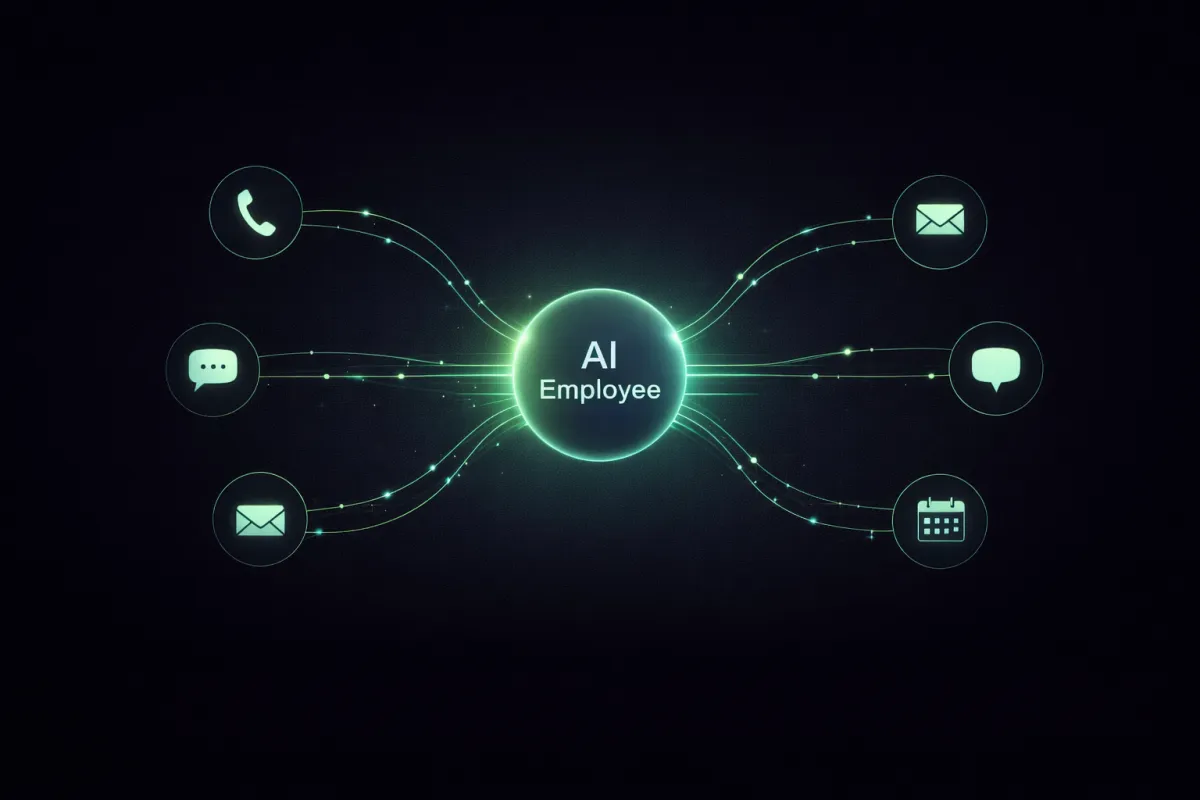
“AI employee” is a useful phrase, but it gets abused. Some people mean a chatbot. Others mean basic automation. In reality, an AI employee is closer to a managed operating role, a system that handles real business work across channels, tools, and workflows, with guardrails.
This guide breaks down what an AI employee actually is, what it can and cannot do, and how to deploy one in a way that produces measurable results.
The simplest definition
An AI employee is a role-specific AI system that can:
Communicate with customers (phone, SMS, email, chat)
Follow a structured workflow (intake, qualification, scheduling, follow-up)
Update your systems automatically (CRM, calendar, pipelines, tags, notes, tasks)
Operate consistently using your rules and your brand voice
It is not “fully autonomous magic.” It is an engineered workflow that happens to use AI where AI is strong: language, reasoning over context, and handling variability.
Why businesses are adopting this now
Two forces are converging:
Work is already being reshaped by AI tools.
Microsoft’s 2024 Work Trend Index reports that 75% of knowledge workers are already using AI at work, and many are bringing it in on their own because it saves time. (Azure Content Delivery Network)The economics are pulling hard toward automation.
McKinsey estimates that current generative AI and related technologies could automate work activities that take 60% to 70% of employees’ time, depending on the role.
If you do not replace a meaningful portion of repetitive work, your competitors will, and they will respond faster, handle more volume, and run leaner.
AI employee vs chatbot vs automation
Chatbot
Lives in a box on your website
Answers FAQs, often shallow
Usually does not integrate deeply with CRM or workflows
Basic automation
“If X, then Y” logic
Great for routine steps
Breaks when inputs are messy or unpredictable (real humans are messy)
AI employee
Can handle messy inputs (natural language, incomplete details, changing intent)
Works across multiple channels
Takes action in your systems using structured workflows
Is built to produce outcomes, not just answer questions
A good AI employee uses both AI and automation, AI for interpretation and conversation, automation for reliable execution.
What an AI employee can do in the real world
Here are common “roles” an AI employee can cover for a business:
1) AI Receptionist
Answers inbound calls, texts, chats
Captures structured intake details
Books appointments
Follows up on missed calls
2) AI Appointment Coordinator
Confirms appointments
Sends reminders
Handles reschedules
Reduces no-shows
3) AI Lead Qualifier
Asks 1 to 2 lightweight questions
Routes based on fit
Moves qualified leads to booking
Logs outcomes in CRM
4) AI Follow-Up Specialist
Re-engages old leads
Follows up after quotes, missed calls, and form fills
Runs your cadence consistently
5) AI Ops Assistant
Creates tasks, tags, notes, summaries
Updates pipeline stages
Keeps your CRM clean and current
These are boring tasks, and boring tasks are exactly where businesses bleed profit.
The part most people miss: AI employee is a system
If you want an AI employee that actually works, it needs five foundations:
1) A real workflow
Not “talk to the user.” A workflow like:
Identify intent
Capture required fields
Confirm next step
Execute action
Log outcome
Follow up if incomplete
2) Integrations that matter
If it cannot update your CRM, calendar, and pipeline, it is not an employee, it is a talking widget.
3) Guardrails and boundaries
What it can promise
What it cannot do
When to book, when to ask a question, when to stop
4) Monitoring and iteration
Gartner’s warning is worth taking seriously. Gartner predicts over 40% of agentic AI projects will be canceled by the end of 2027 due to escalating costs, unclear business value, or inadequate risk controls. (Gartner)
Translation: lots of companies will build flashy demos that never survive production.
5) ROI-driven scope
Gartner also predicts 15% of day-to-day work decisions will be made autonomously through agentic AI by 2028, and 33% of enterprise software applications will include agentic AI by 2028. (Gartner)
The winners will be the businesses that pick the right use cases and tie them to real outcomes: speed, quality, cost, and scale.
What results should you expect?
AI employees are not just theoretical. In one well-known call center field experiment referenced by McKinsey, access to a generative AI assistant was associated with higher productivity and lower handling time, with the largest gains among less experienced workers.
In service businesses, the “math” usually shows up as:
Higher contact rate (fewer missed conversations)
Faster response times
More booked appointments
Cleaner CRM data
Less staff time spent on repetitive intake and follow-up
Where AI employees fail (and how to avoid it)
Failure mode 1: No clear outcome
If the goal is “answer questions,” it becomes a novelty. Set outcomes like:
Book consultations
Capture required intake
Follow up until complete
Update CRM with structured fields
Failure mode 2: Shallow business context
If your AI employee does not know your services, rules, and process, it will either hallucinate or sound evasive. You fix this with a real knowledge base and clear constraints.
Failure mode 3: No workflow ownership
Someone must own the workflow and iteration, or it decays into a forgotten tool. This is why managed deployment matters.
How Agentic Desk Solutions builds AI employees that work
Agentic Desk Solutions is not selling a generic bot. We build a managed AI workforce around your workflow and tools so it performs reliably in production.
What that typically includes:
Scope and intake: map your workflow, required questions, and outcomes
Build: configure voice and chat agents, scripts, rules, and system actions
Test: run real scenarios, edge cases, and failure paths
Deploy and stabilize: launch, monitor, and tune for real-world usage
Integrate: connect CRM, calendar, and automations so outcomes are logged correctly
If you want an AI employee that answers, qualifies, books, and follows up consistently, it needs to be engineered like an operating system, not a demo.
If you want to explore this for your business
If you are losing leads to missed calls, slow follow-ups, or inconsistent intake, an AI employee can fix it, but only if it is built around your workflow and your tools.
Request a callback, or call +1 239 453 8511 to speak with an AI agent and book a consultation.

