When Not to Automate: Keeping Human Oversight Primary Without Losing Throughput
Operational friction: the hidden cost of automating the wrong work
Most teams don’t struggle because they lack effort. They struggle because recurring work arrives with just enough variation to break a fragile process: client updates that require nuance, marketing content that needs consistent positioning, and internal reports that must match the latest numbers and decisions. Under pressure, the default response is to automate whatever is loudest and most repetitive—then clean up issues later.
That approach creates a specific kind of operational friction. A Service Delivery Lead sees “finished” outputs that still need rework, but the rework happens outside the system—via Slack threads, email chains, and last-minute edits. A Compliance Officer can’t easily trace what happened when a claim is questioned, because the reasoning, sources, and approvals aren’t captured in one place. The team spends time not only producing work, but defending it, reconciling it, and reconstructing context.
AI automation can reduce effort, but only when the work is structured around an approval process and a full audit trail. The key question isn’t “Can we automate this?” It’s “Should we automate this—and if so, how far—without increasing risk and rework?”
Why the common approach fails: task-by-task automation and silent risk
A common pattern is to start with isolated automations: generate a draft here, summarize notes there, route an email somewhere else. Each task looks like a quick win, but the end-to-end workflow stays manual and brittle. The result is often more throughput on paper, with less reliability in practice.
The first failure mode is ambiguity. When inputs are inconsistent—different client contexts, evolving offers, changing compliance requirements—task-level AI automation will fill gaps with plausible assumptions. That’s not malicious; it’s how language models operate. Without explicit constraints and an approval gate, the system can produce output that appears complete while subtly drifting from policy, brand standards, or factual accuracy.
The second failure mode is accountability. If an output is questioned (a claim in a marketing page, a statement in a client-facing update, or a statistic in a monthly report), teams need to answer: What source did we use? Who approved it? What changed between draft and final? A self-managed stack can generate content, but it rarely enforces a consistent record of decisions unless you deliberately architect it. Without a full audit trail, “We fixed it” becomes the process.
The third failure mode is operational whiplash. Teams discover that “automation” still requires constant babysitting: prompt tweaks, manual quality checks, and copying outputs into the tools people actually use. The automation becomes another moving part, not a stable system for recurring work.
This is why “when not to automate” matters. Some work should remain human-primary until the workflow is designed to support human-approved outputs with clear controls.
Reframe: approved systems vs task-by-task scrambling
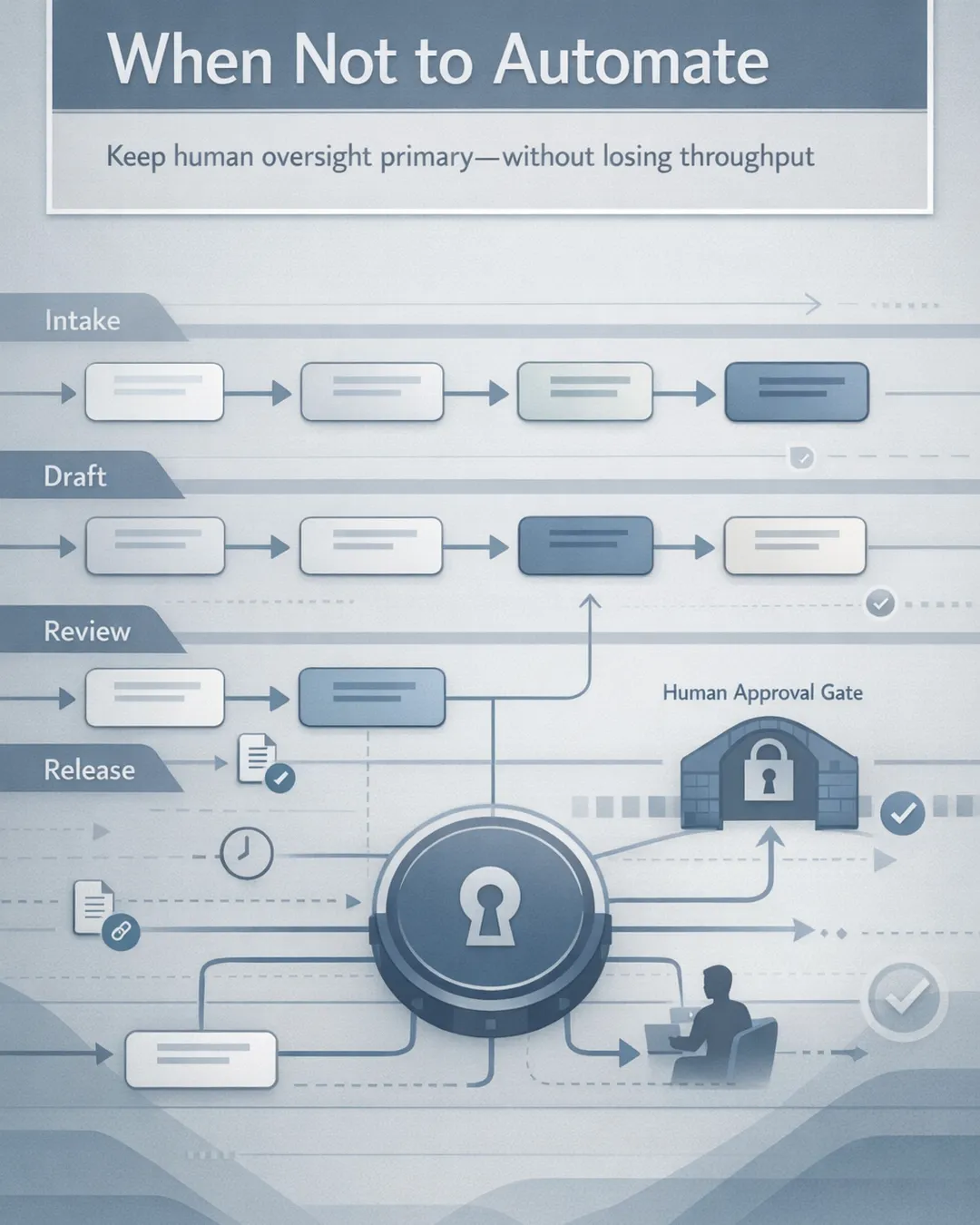
A more durable approach is to treat AI automation as part of an operating system for recurring work—not as a collection of shortcuts. The goal is not maximum autonomy; it’s consistent delivery with human-approved decision points and traceability.
In an approved system, you define:
- The workflow stages (intake → draft → review → publish) - The approval process owners (who reviews, who signs off, who can publish) - The required references (source links, internal docs, policy notes) - The logging needed for a full audit trail (inputs, drafts, edits, approvals)
This is where proof and control show up in day-to-day operations. Instead of “someone glanced at it,” you have human-approved outputs with approval-gated execution and clear approve/revise/reject steps. A Compliance Officer can see exactly what was generated, what sources were used, and what was modified before release. A Service Delivery Lead can manage throughput because the system routes work to the right reviewer, captures revisions, and prevents unapproved publishing.
So when should human oversight remain primary?
Keep the human primary when: - The output creates regulatory, contractual, or reputational exposure (public claims, testimonials, financial or performance statements, regulated communications). - The work relies on judgment that cannot be reduced to rules yet (tone in sensitive client situations, escalation decisions, exceptions handling). - The input data is incomplete or changes frequently (multiple source systems, inconsistent fields, unclear “system of record”). - The cost of an error is higher than the cost of review (one incorrect claim can create months of cleanup).
This doesn’t mean “don’t automate.” It means automate the workflow around the human, not the human out of the workflow.
Practical implications: what to automate, what to gate, what to log
For business operators and professional services leaders, the most useful way to apply this is to separate three layers: preparation, production, and release.
Automate preparation aggressively
Preparation is where AI automation is often safest and most valuable: - Normalizing inputs (turning messy notes into structured fields) - Extracting key facts from documents - Building first-pass outlines or checklists - Flagging missing information before drafting begins
These steps reduce cycle time without committing the organization to a final claim. They also make the downstream review easier because the reviewer receives structured context, not a blank page.
Automate production with constraints
Production—drafting marketing content, recurring client updates, internal reporting narratives—can be automated when you constrain it: - Require citations or internal references for key statements - Use approved language for sensitive claims (pricing, outcomes, compliance statements) - Enforce format standards (sections, word limits, disclaimers) - Route drafts to the correct reviewer based on topic or client segment
This is where model capabilities are improving, including enterprise integrations announced for platforms like Google Workspace and configurable model options in Microsoft Copilot Studio. Those updates make it easier to place generation inside existing workflows. But integration alone doesn’t create reliability; the operating model does.
Keep release human-approved, by default
Release is where “when not to automate” is most important. Publishing, sending, filing, or distributing externally should typically require an approval gate, especially for marketing content and client communications. The release step is also where the full audit trail matters most—because that’s what you need when a question arises later.
A practical test: if your team cannot answer “who approved this and based on what,” the release step should not be automated.
Log the decision-making, not just the output
Teams often log the final artifact and skip the reasoning. For operational reliability, log: - Inputs used (links, source docs, internal references) - Draft versions and deltas - Reviewer comments and resolution - Approve/revise/reject steps with timestamps and owners
This turns quality control from an informal habit into a repeatable mechanism. It also reduces reviewer fatigue: reviewers can focus on judgment calls rather than reconstructing context.
Agentic Desk Solutions: operationalizing human-approved automation
Agentic Desk Solutions designs and operates custom AI operations systems configured for your business. For marketing_content and other recurring work, we focus on approval-gated execution that fits the tools you already use, establishes clear approve/revise/reject steps, and maintains a full audit trail from intake to release. The aim is not set-it-and-forget-it automation; it’s an end-to-end operating model where human-approved outputs remain primary when risk and nuance demand it, while AI automation handles the preparation and production layers that slow teams down. Book a consultation to map your highest-impact workflow.
Sources
- Gemini 3.1 Pro: Announcing our latest Gemini AI model — https://blog.google/innovation-and-ai/models-and-research/gemini-models/gemini-3-1-pro
- Google shares Gemini updates to Docs, Sheets, Slides and Drive — https://blog.google/products-and-platforms/products/workspace/gemini-workspace-updates-march-2026
- xAI models now available in Microsoft Copilot Studio — https://microsoft.com/en-us/microsoft-copilot/blog/copilot-studio/more-choice-more-flexibility-xai-grok-4-1-fast-now-available-in-microsoft-copilot-studio
- API: Frontier Models for Reasoning & Enterprise — https://x.ai/api